

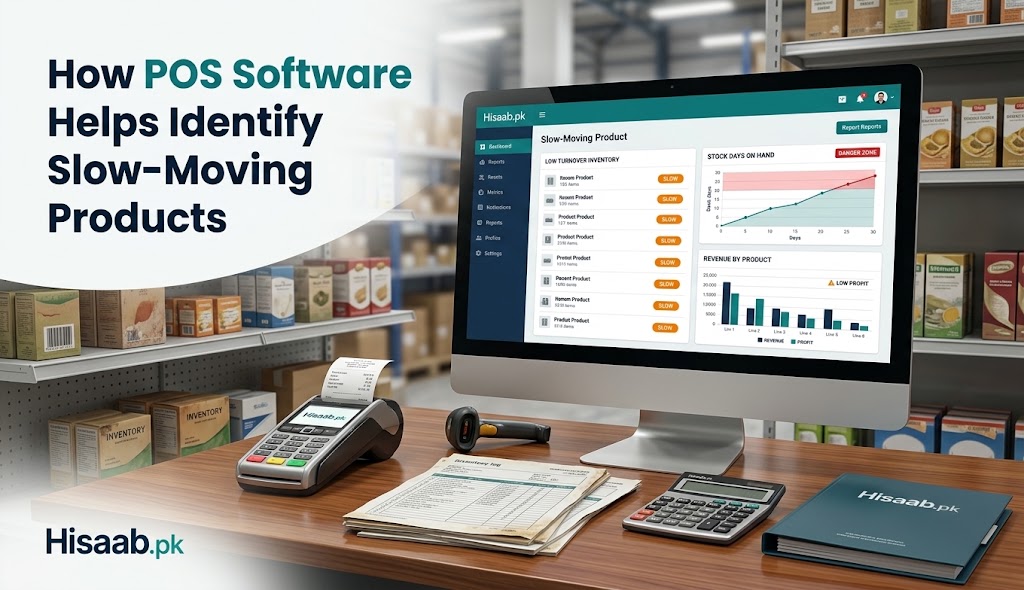
It’s possible for retail stores to deplete themselves of significant working capital without even knowing it. A product can be on a shelf for months, be reported as “in stock” and still have little impact on cash. These slow moving products are not just a storage problem, they can also drive up the storage costs, divert capital used for purchases, take up selling shelf space and eventually go out of the window. Modern accounting software in Pakistan and POS inventory management systems make this issue easier to detect since it is possible to keep inventory up-to-date with each sale and to have a comprehensive history of product movement.
What Are Slow-Moving Products?
Slow moving products are products that move slower than similar products or sell less often. But the number of days that qualifies a product as a “slow mover” isn’t universal since it depends on the industry, product category, season, and business model. For instance, winter wear may have a fairly slow sell during the summer while a food item that has a constant demand might have a fairly high sell during the summer.
The key factor is that there is a difference between low volume and actual poor inventory. A high-end product can have a low sales volume, but high margins; a low-priced product can have a high sales volume, but have poor margins. Thus, sales velocity, inventory value, gross margin, stock age, and inventory turnover should all be viewed in conjunction in order to carry out a proper analysis.
Importance of POS Inventory Management in Uncovering the Problem
POS inventory management is a tool that links sales transactions to individual inventory. Whenever one of the cashiers scans or enters an item, the system has the ability to decrease the quantity of the item in the system and keep a record as to when, where, and how often the product was sold. This provides a history of transactions that managers can access instead of having to conduct a physical inventory or rely on a spreadsheet they’d have to maintain manually.
The following useful metrics could be used to rank products in a useful POS dashboard: units sold, revenue, last sale date, quantity on hand, and sales velocity. For businesses, it is then possible to recognize items that were in the inventory for an unusually long period. More and more, inventory systems offer item-level reporting and alerting so managers can dig into a weak performer before it’s a big problem for the company’s finances.
How to Identify Slow-moving Products?
Start by checking out several months of sales data, not just one week. Calculate the number of units sold compared to the number of units available and how many units of the stock would be sold if the previous rate of sales continued?
In general, COGS/Average Inventory is the standard formula. The lower the turnover ratio, the longer a company is holding the capital in inventory, but the industry and product category dictate the proper standard.
A POS system will also display the date products were added to inventory and when the individual product or batch last moved. Aging combined with sales velocity can be used to help identify products that are not just a normal seasonal item, but indeed declining in demand.
Turning Data Into Action
Once the item is flagged, managers are required to find out what is causing the poor performance of the item. The reasons may be too much order, incorrect demand projections, price issues, difficulty in getting visibility into the product, changing customer tastes, seasonal demand or a newer substitute.
The proper answer must correspond to the cause. Products with acceptable margins and lack of visibility may be improved by better promotion or product placement. A controlled markdown may be necessary if there is excess seasonal stock available, before demand dries up. An item that continues to have low demand may even be eliminated from future order releases.
POS reports can also help make better buys. When multiple items remain on the shelves and one item is frequently out of stock, buying should be based on these different sales rates. This allows for working capital to be deployed to inventory that has greater demand.
In what ways does stock management software matter?
With a simple cash register, a retailer can keep data on products, quantities, product performance, sales and purchases, transfers and returns, but the same information can be maintained on dedicated stock management software that extends this functionality and provides a centralized repository for all this data. There are some modern systems that offer low stock alerts, multi-location inventory, supplier records and sales reports, providing a wider picture of stock movement to managers.
For retailers in Pakistan, these functionalities are becoming more common in locally-aware platforms. When deciding on a pos software provider in Pakistan, businesses need to consider factors beyond just checkout speed, such as inventory reporting, offline capabilities, multi-branch integration, product-level analytics, and accounting integration. In the real environment of Pakistan, local solutions are marketing features including barcode transactions, stock transfer, profit reporting and offline working.