

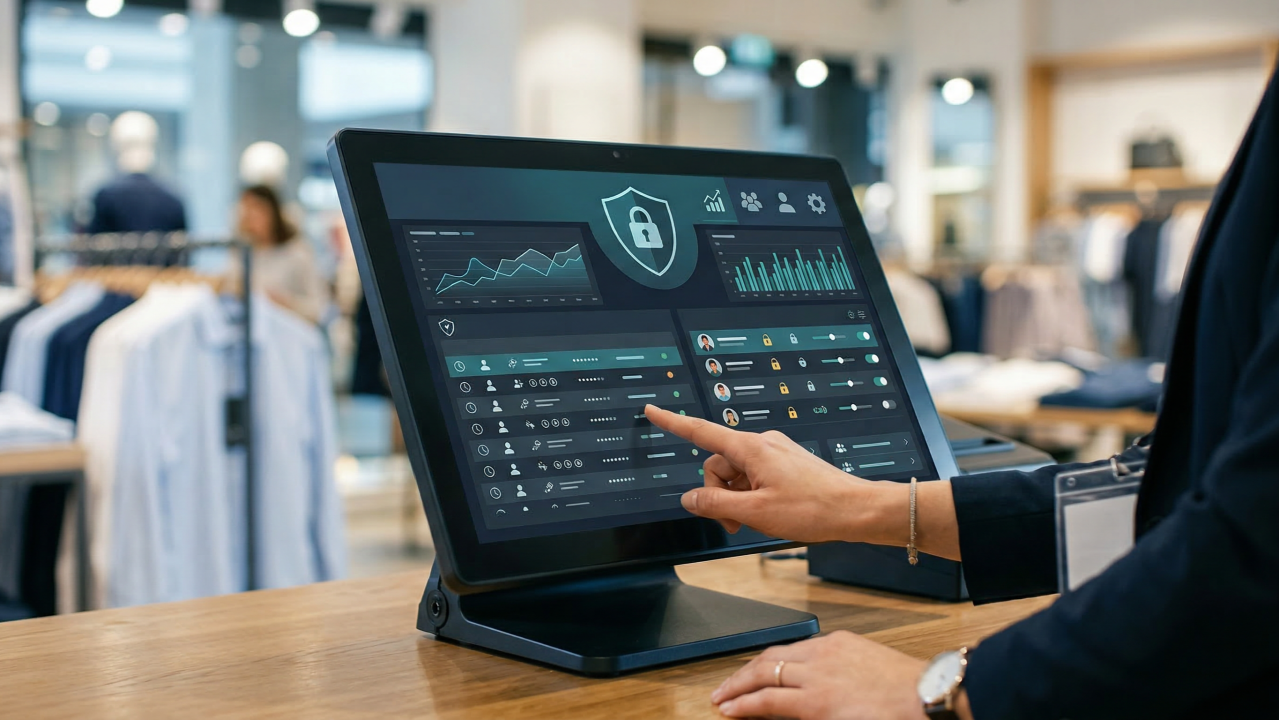
Employee theft is one of the biggest challenges faced by retail businesses. All of these acts can lead to substantial losses in the long run, from improper discounts to bogus refunds, cash pilferage, or bogus inventory manipulation. Point of sale software is becoming the preferred method for retailers to track what happens at the cash register, increase accountability and decrease chances for fraud, while security cameras and audits complement the system.
The retail technology of today is so much more than sales processing. A modern POS system with cashier management and advanced reporting features provides the business owner with a better visibility of employee activity, and enables him to detect unusual activity before it turns into a costly issue. This is particularly crucial for retailers seeking dependable POS software in Pakistan like hisaab.pk, where businesses, regardless of their scale, are turning to digital solutions to streamline their operations and protect their earnings.
Traditional Monitoring Is Insufficient
Many retailers still rely on cash reconciliation, paper receipts or the CCTV footage to work out cash discrepancies. These techniques are still valuable, but they do not necessarily show signs of problems until there has been an economic loss.
Up to date point of sale software keeps a detailed record of every transaction and provides a comprehensive log to help business owners easily and quickly investigate any issues. Managers don’t need to trawl through paper records any longer; they can view all sales history, cashier transactions and inventory movements from a single dashboard.
POS Software with Cashier Management Increases Accountability
Individual employee accountability is one of the best elements of a cashier management system equipped in a POS software.
Every cashier is given a different login or user account to distinguish and track every transaction to the cashier who made it. Instead of a common register, businesses are able to identify:
- Who was involved with each sale?
- Who issued refunds?
- Who applied discounts?
- Who put the money in the cash drawer?
- Who updated the completed transactions?
- At what time each action took place?
The permissions are also role-based, which adds an extra layer of security because access to certain functions is restricted. For instance, junior cashiers can make sales, but not return or adjust product prices without the manager’s permission. This type of responsibility makes it more difficult for employees to be fraudulent.
POS Software with Transaction History Provides Total Transparency
An accurate POS software with transaction history keeps a record of each sale and activity that takes place.
Transaction history generally contains:
- Time at which the item is sold.
- Cashier identification.
- Products sold.
- Payment method.
- Discounts applied.
- Refunds and exchanges.
- Voided transactions.
- Details of the customer (where applicable).
- Any transaction can be reviewed days, weeks or even months after by the manager.
For instance, if inventory is not matching the sales it was recorded for, managers can compare the flow of inventory with recorded sales to find out where discrepancies were made.
How POS Software Detects Suspicious Employee Transactions?
Retailers appreciate the value of modern retail analytics which help them understand how POS Software detects suspicious employee transactions.
Such systems are in place today, that constantly monitor employee activities and report on their behavior, alerting to unusual activity. Some of the following may be signs:
● Excessive Refunds
The software can identify the trend of one cashier handling a much larger amount of refunds as compared to others to highlight for management review.
● Frequent Voided Sales
If transactions are frequently being cancelled after the customer has exited the store, it could be an effort to cash out without a sale recorded.
● Unusual Discount Patterns
All discounts are monitored, tracked, and noted. When an employee routinely provides substantial or unauthorized discounts, the manager may want to investigate if the discounts are legitimate.
● Cash Drawer Openings
Many Point Of Sale systems log every time the cash drawer opens, even if it is for non-sales reasons. If access to the drawers is frequent and with no explanation, further review is required.
● Inventory Adjustments
If Inventory is lower than anticipated and there have been no corresponding sales, it could be a sign of internal theft or sales record errors.
● After-Hours Activity
Any transactions outside business hours may be a sign of unauthorized use of the system.
Benefits of Extra Security Measures
There are a number of inbuilt security functions in modern point of sale software that can help eliminate errors and fraud.
These may include:
- Role and permission management for users.
- Approval by manager for refunds and price overrides.
- Automatic transaction logging.
- Real-time inventory tracking.
- Daily sales reconciliation.
- Secure cloud backups.
- Multi-branch monitoring.
- Audits of all activities in the system.
All these capabilities combine to provide several layers of security, making fraudulent activities more difficult to hide.
Best Practice to Prevent Theft
- Give individual logins to all employees.
- Regularly review transaction reports.
- Limit access to critical functions in the system.
- Do routine inventories.
- Give staff member training on company policies.
- Investigate unusual transaction patterns, in a timely fashion.
- Ensure that the Point Of Sale (POS) system is kept up-to-date to ensure it has all the necessary security features.